

Live juggling count
Consecutive streaks, with a green ball marker that shows what the camera sees.
A soccer touch counter for juggling and wall passes. Set up your phone, play, and let the camera keep count while you keep your eyes on the ball.
For iPhone, on the App Store in the United States and Canada.
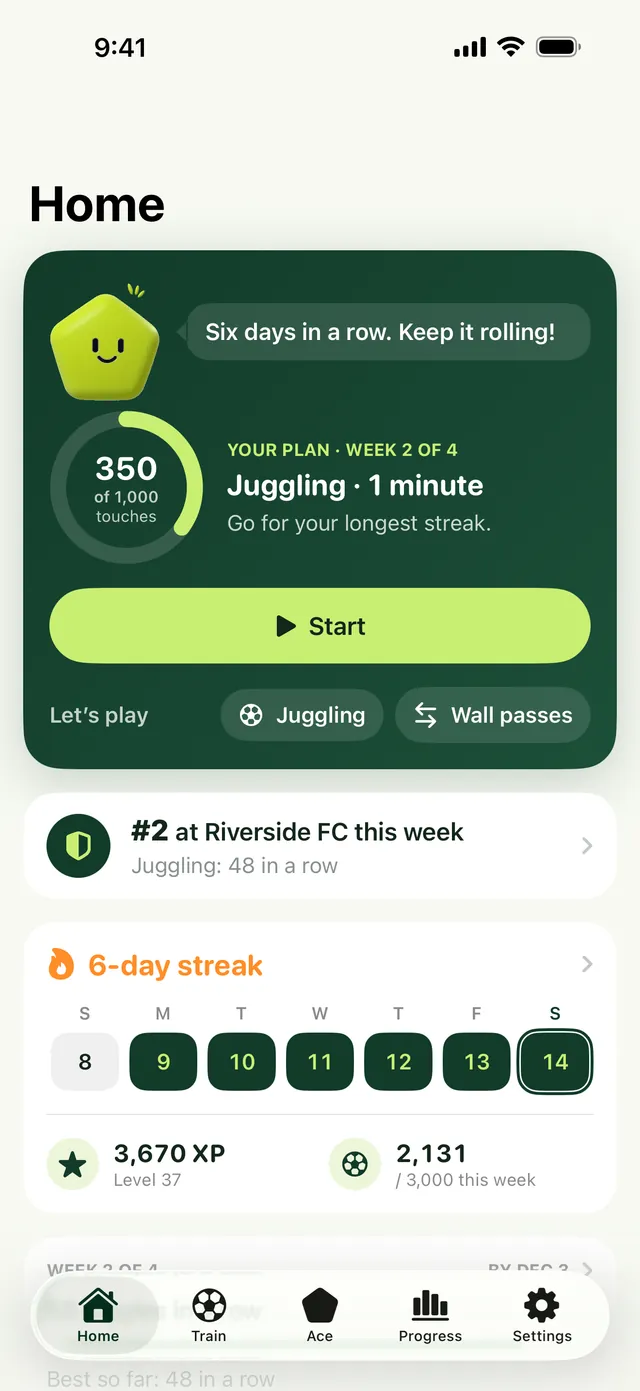
Touches 1.0 home screen, shown with example practice.
Consecutive streaks, with a green ball marker that shows what the camera sees.
Completed out-and-back passes against a wall or rebound board.
Sessions, personal bests, touch goals, practice streaks and XP.
Live camera frames are processed on your iPhone and discarded.
No sign-up, email or age question. Progress syncs through your own iCloud.
Join your club’s board with a code and an anonymous name.
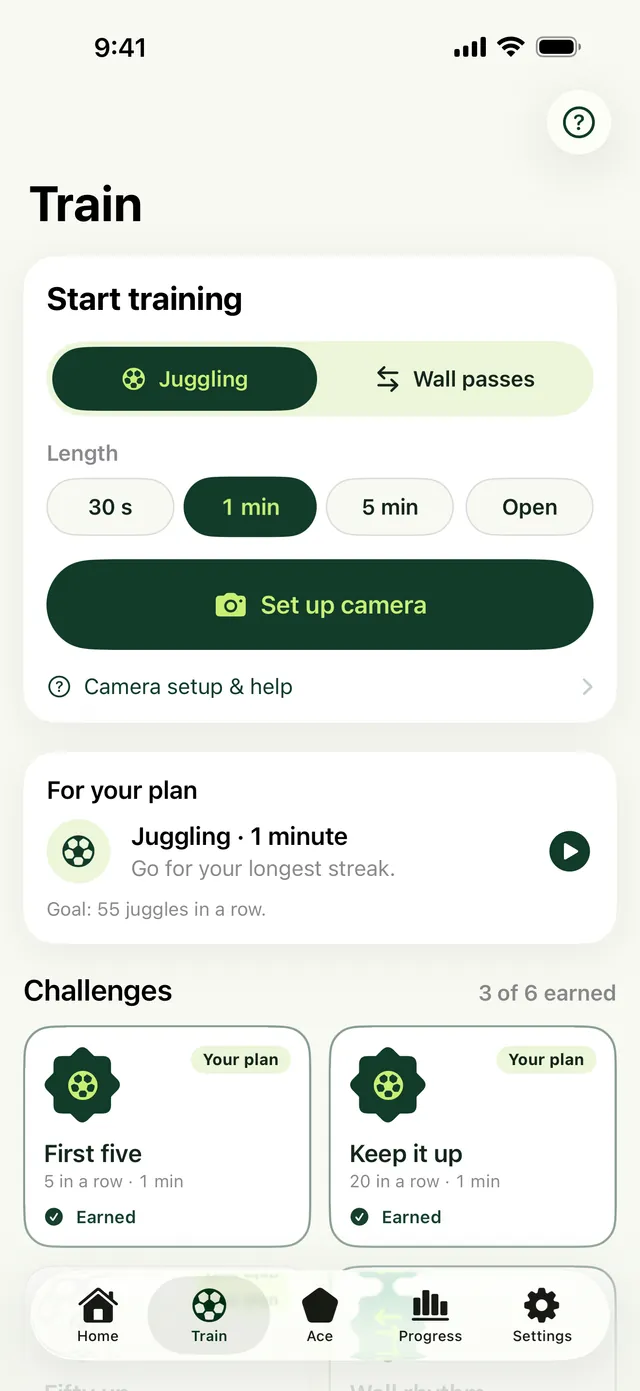
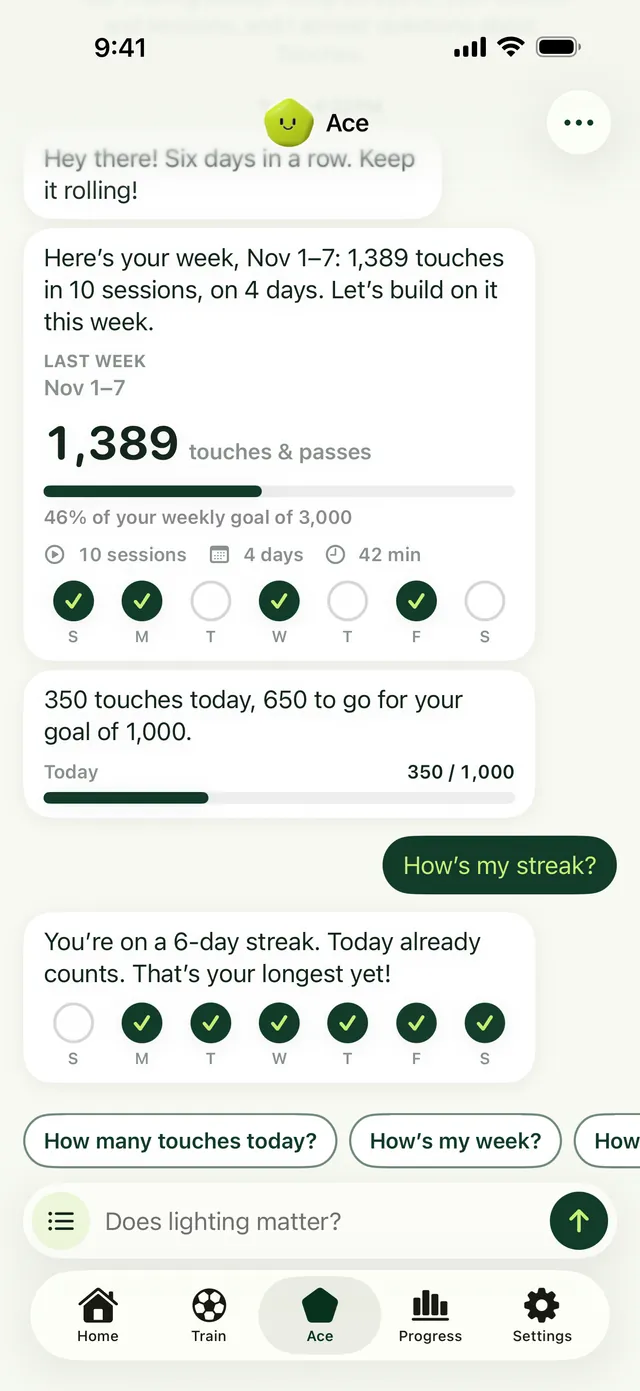
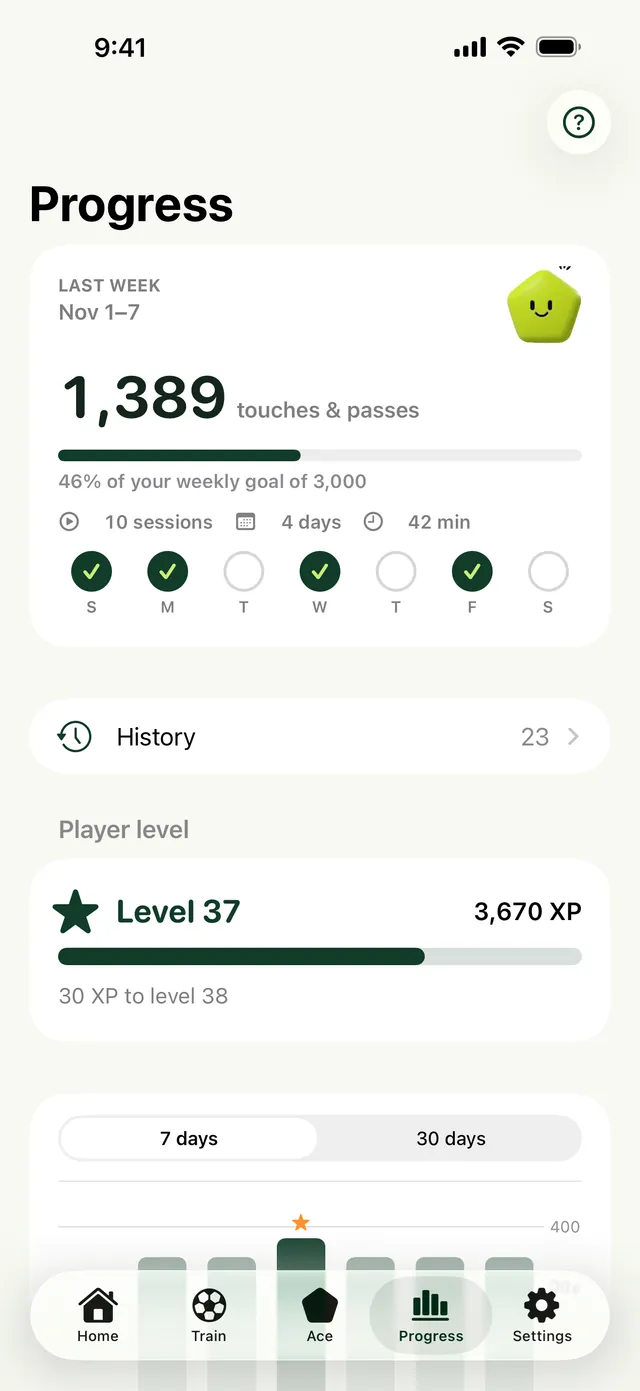
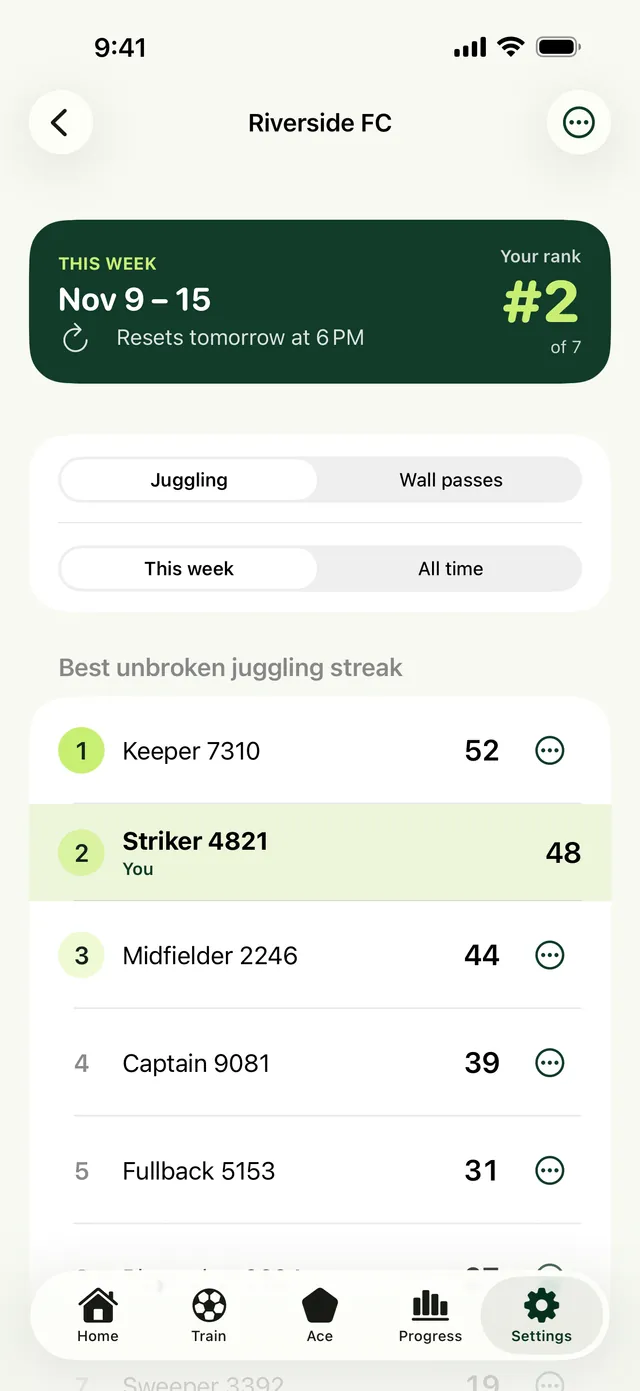
Screens from Touches for iPhone, shown with example practice.
A stable phone and a clear view of the ball make the biggest difference. Our setup guide walks through height, orientation and space.
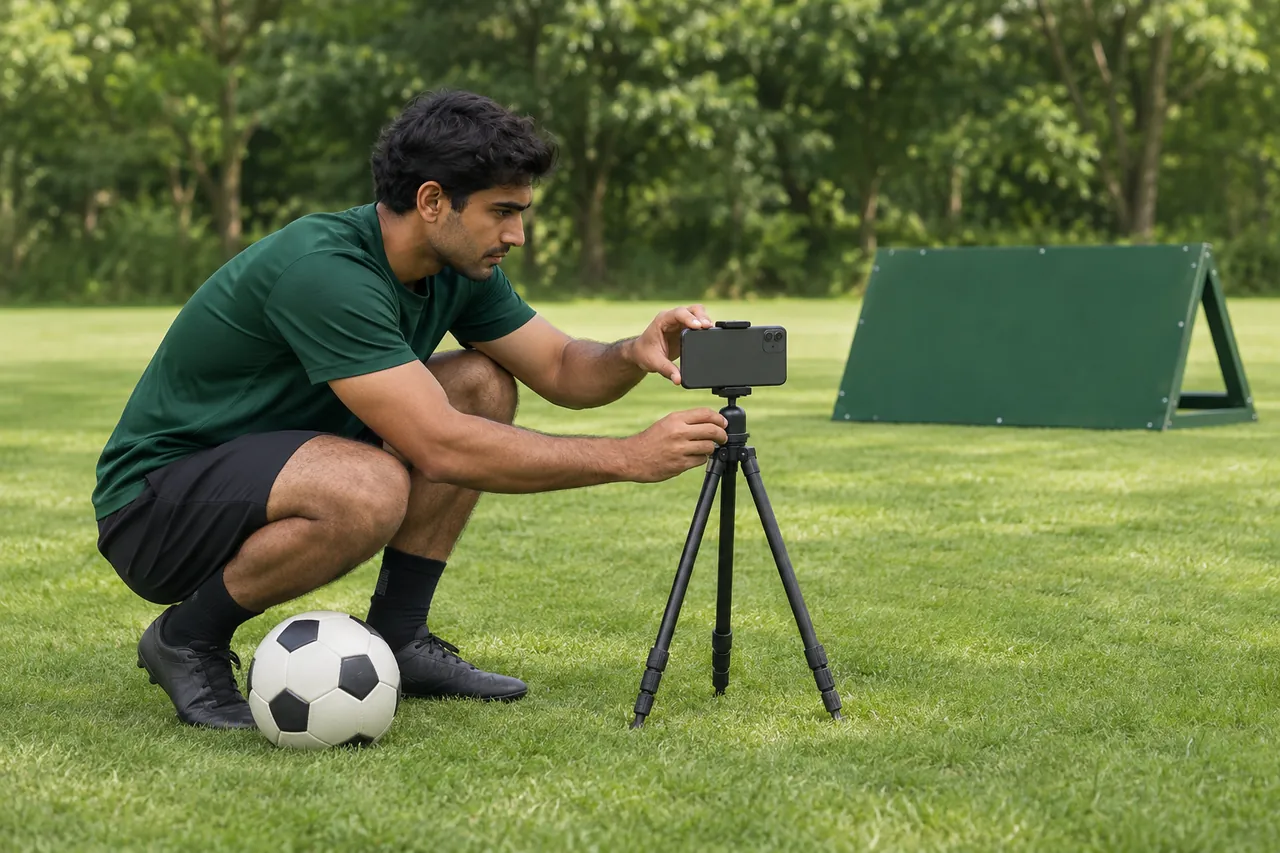
On the App Store for iPhone in the United States and Canada.
Every iPhone gets one free 30-second practice session. After that, practice needs a membership: $4.99 a month or $29.99 a year in the US, with a three-day free trial for eligible new subscribers. See membership. The App Store shows your local price before you subscribe.
Not at this time. Touches is made for iPhone.
Read the camera setup guide and the practice guides. They work on their own, with or without the app.
Available on the App Store in the United States and Canada. Prices on this site are US prices; the App Store shows your local price before you subscribe.

Answers from the Touches team. No AI.
Every question
Matching questions